Auto-updating ESPHome Devices with Home Assistant
ESPHome makes it easy to integrate DIY sensor devices with Home Assistant. The downside: updates come every other week, and keeping multiple devices current becomes tedious. Here’s how to automate it.
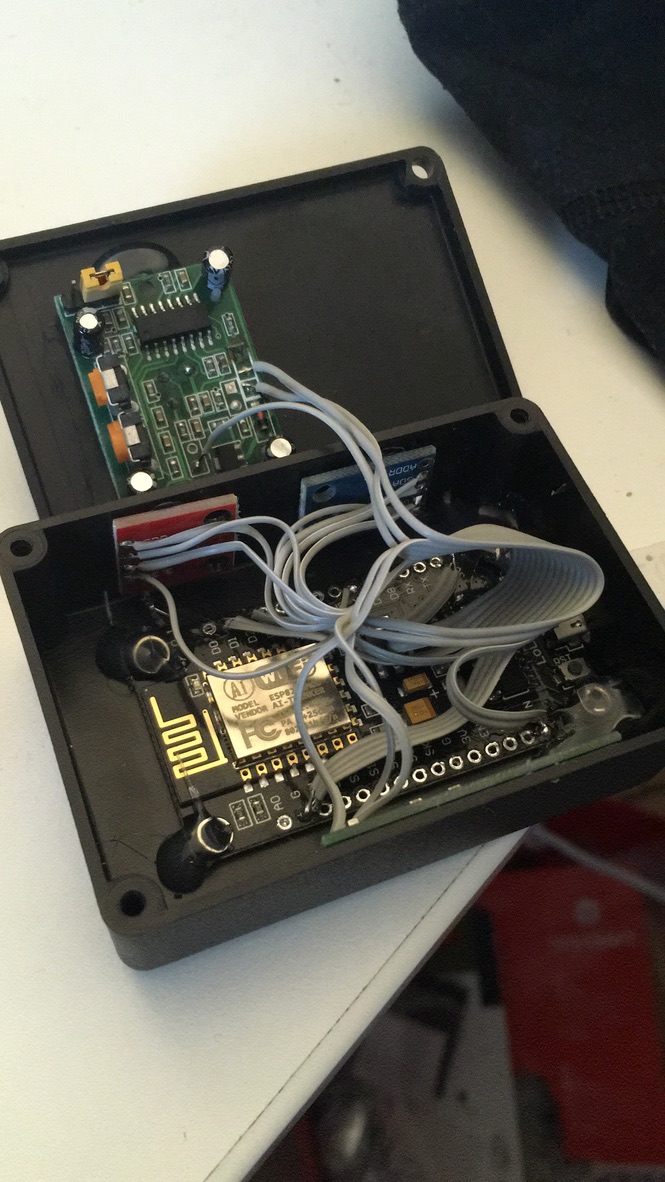
An ESPHome-based sensor for presence detection (with PIR, temperature and humidity sensor).
I found this automation on the Home Assistant forums that triggers updates automatically. Add it via the automation UI in YAML mode:
alias: Auto-update ESPHome Devices
mode: single
trigger:
- platform: time_pattern
  hours: "3"
  minutes: "15"
variables:
  outdated_esp_items: |-
    {{ states.update
        | selectattr('state', 'eq', 'on')
        | selectattr('attributes.title', 'match', 'ESPHome')
        | selectattr('attributes.device_class', 'eq', 'firmware')
        | selectattr('attributes.auto_update', 'eq', false)
        | selectattr('attributes.in_progress', 'eq', false)
        | sort(attribute='attributes.installed_version')
        | map(attribute='entity_id')
        | list }}
condition:
- condition: template
  value_template: "{{ outdated_esp_items | count > 0 }}"
action:
- service: update.install
  target:
    entity_id: "{{ outdated_esp_items }}"
At 3:15am each night, this automation finds all ESPHome devices with pending firmware updates and installs them via Home Assistant’s update service.
I’ve never had issues with new ESPHome releases breaking things — as long as you’re not using low-level operations like Lambda functions, this should work reliably.